
¶ Manually install Chrome plugin
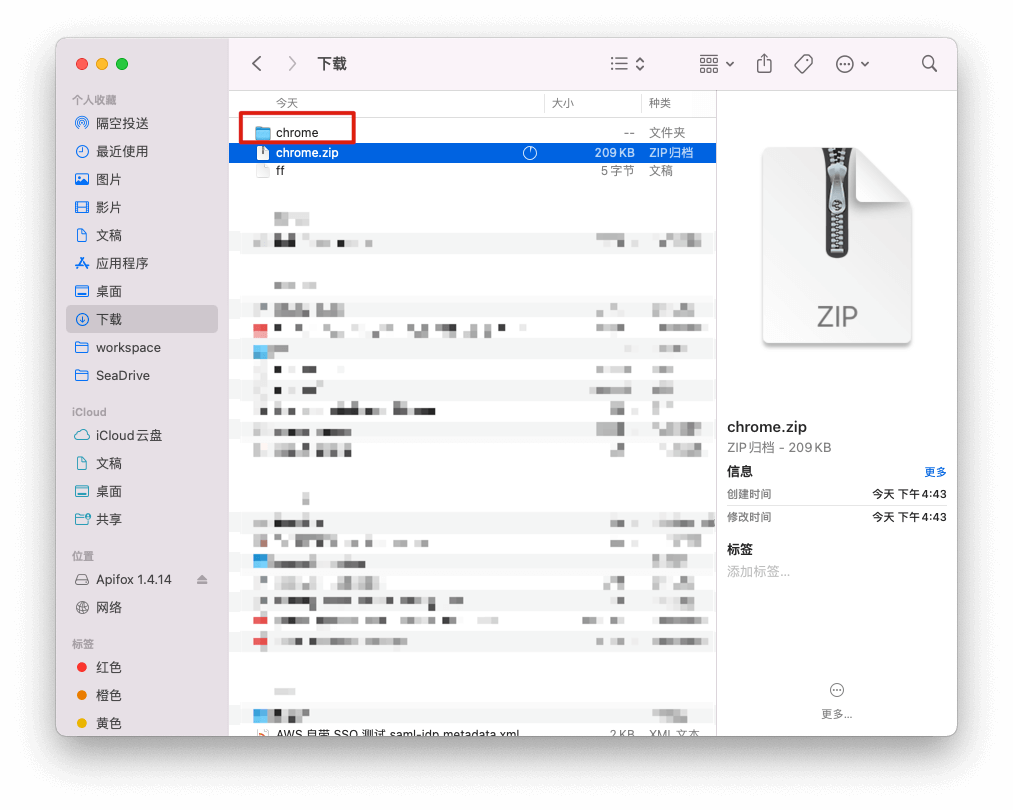
Download Chrome plugin compressed package (opens new window) and unzip it.
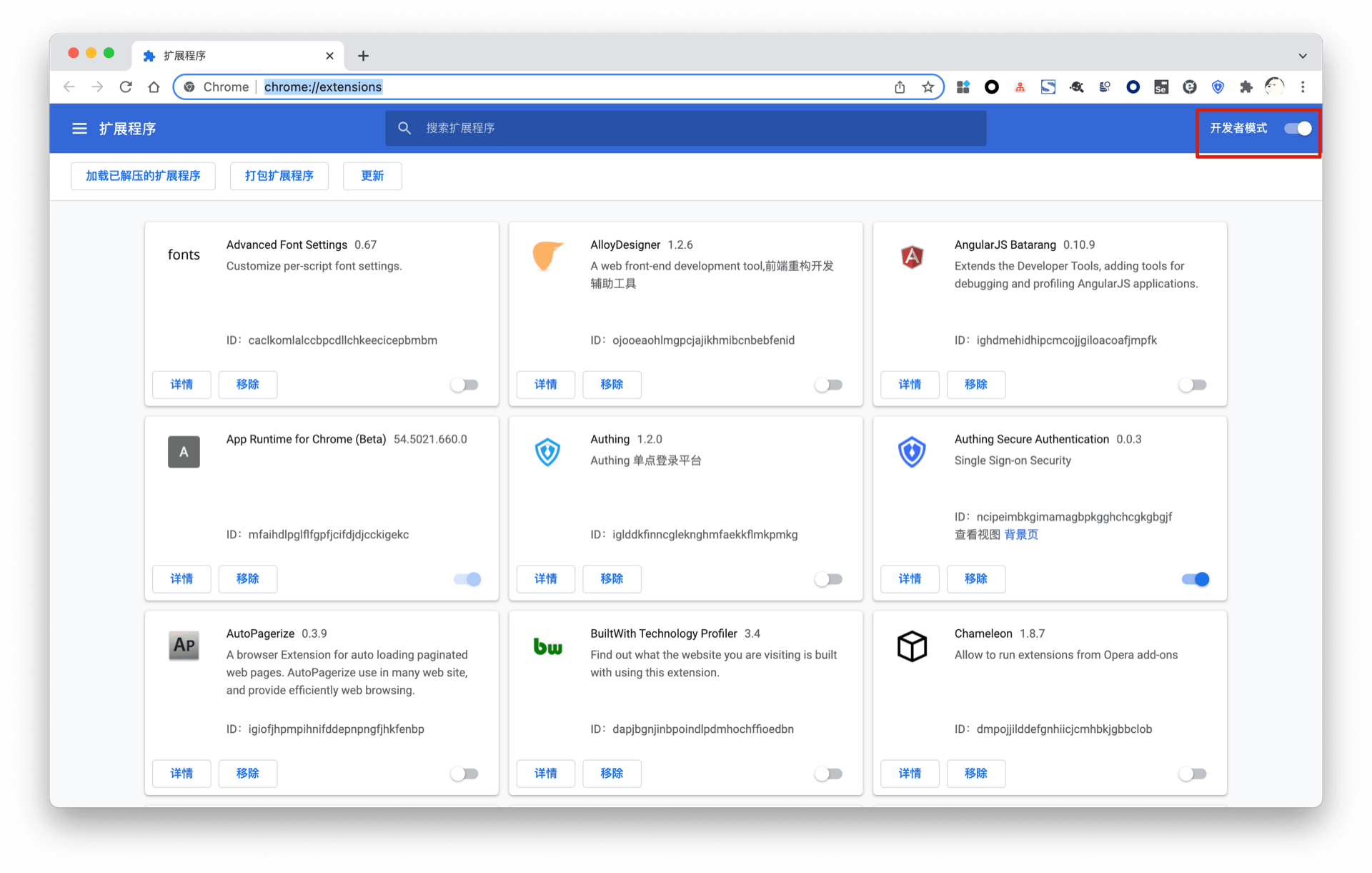
Enter chrome://extensions/ in the Chrome browser address bar, enter the plugin management interface, and turn on "Developer Mode".
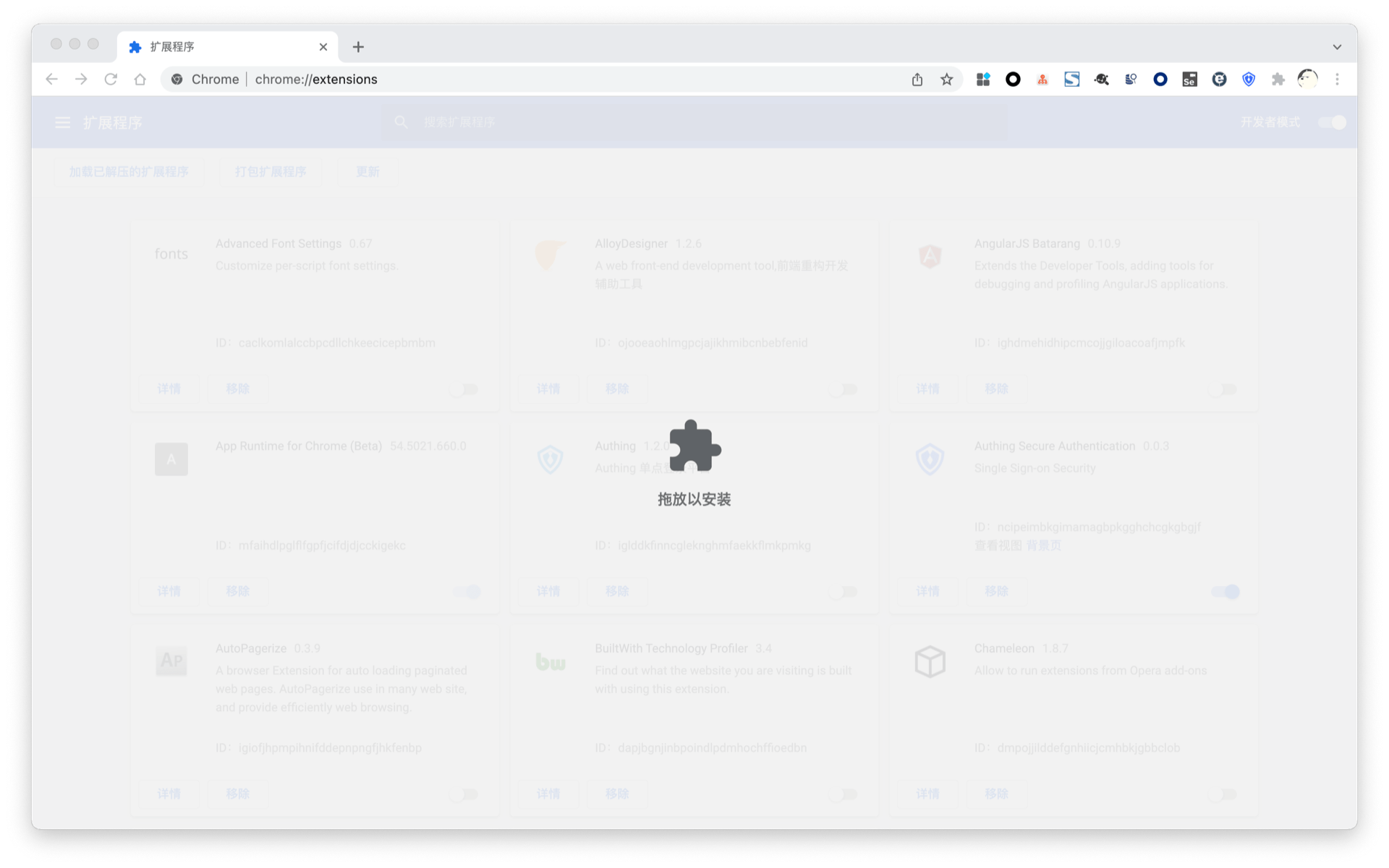
Drag the previously unzipped folder to the browser's plugin management interface to successfully install it.
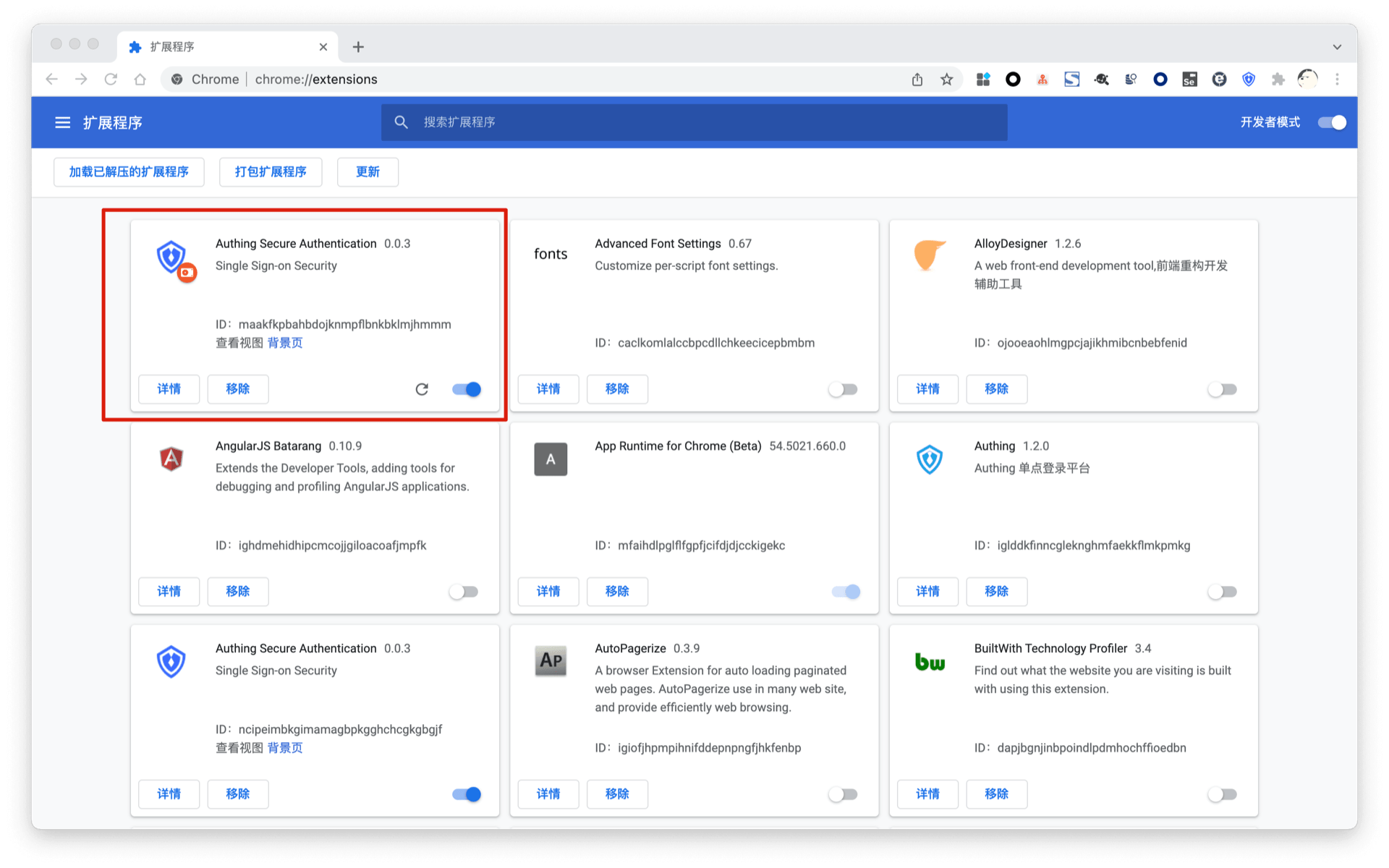
The installation is successful, [experience login](./#experience login).