¶ Configure login failure limit
Update time: 2025-07-23 07:34:21
Path: Security Settings->General Security->Login Security
The free version does not support this feature yet.
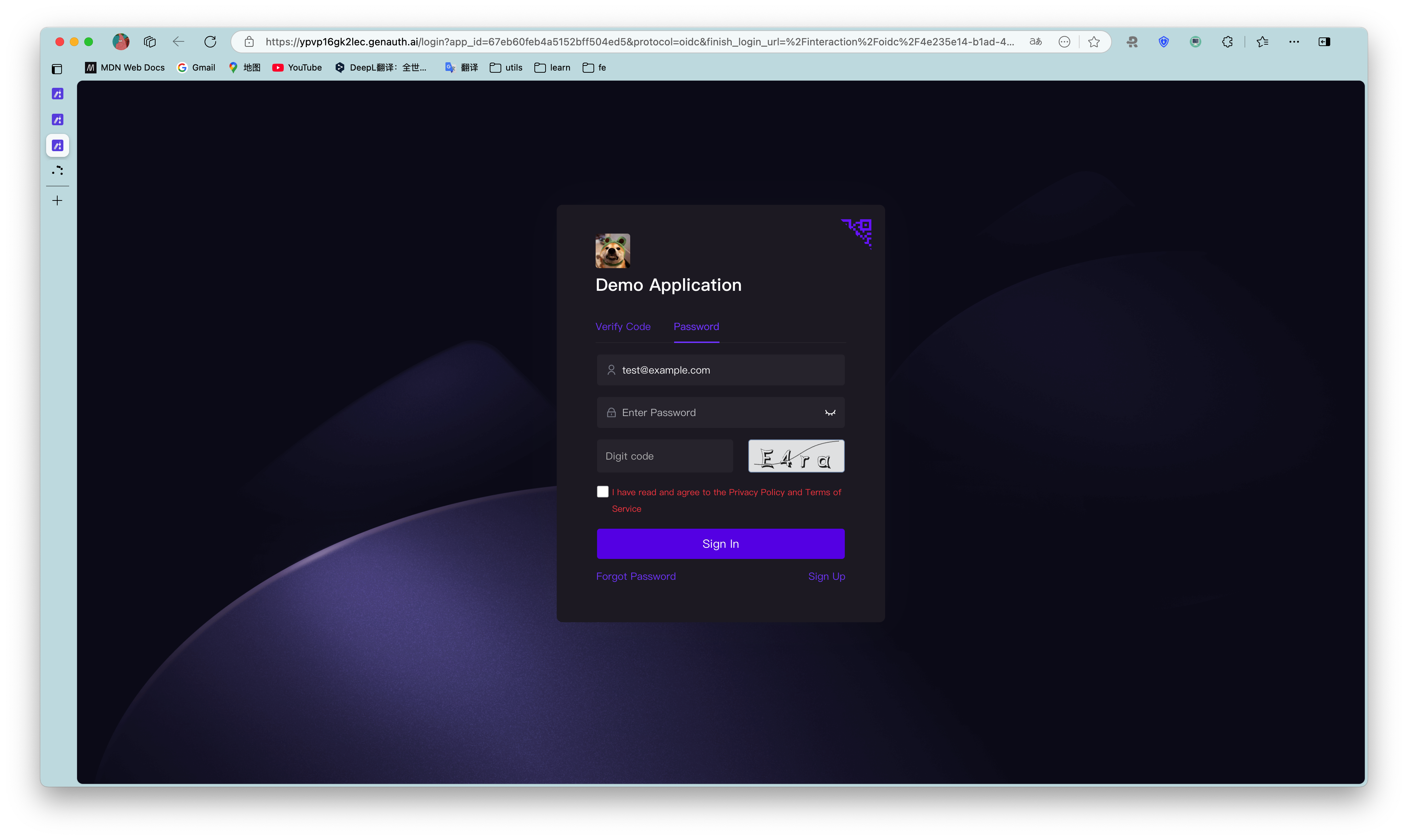
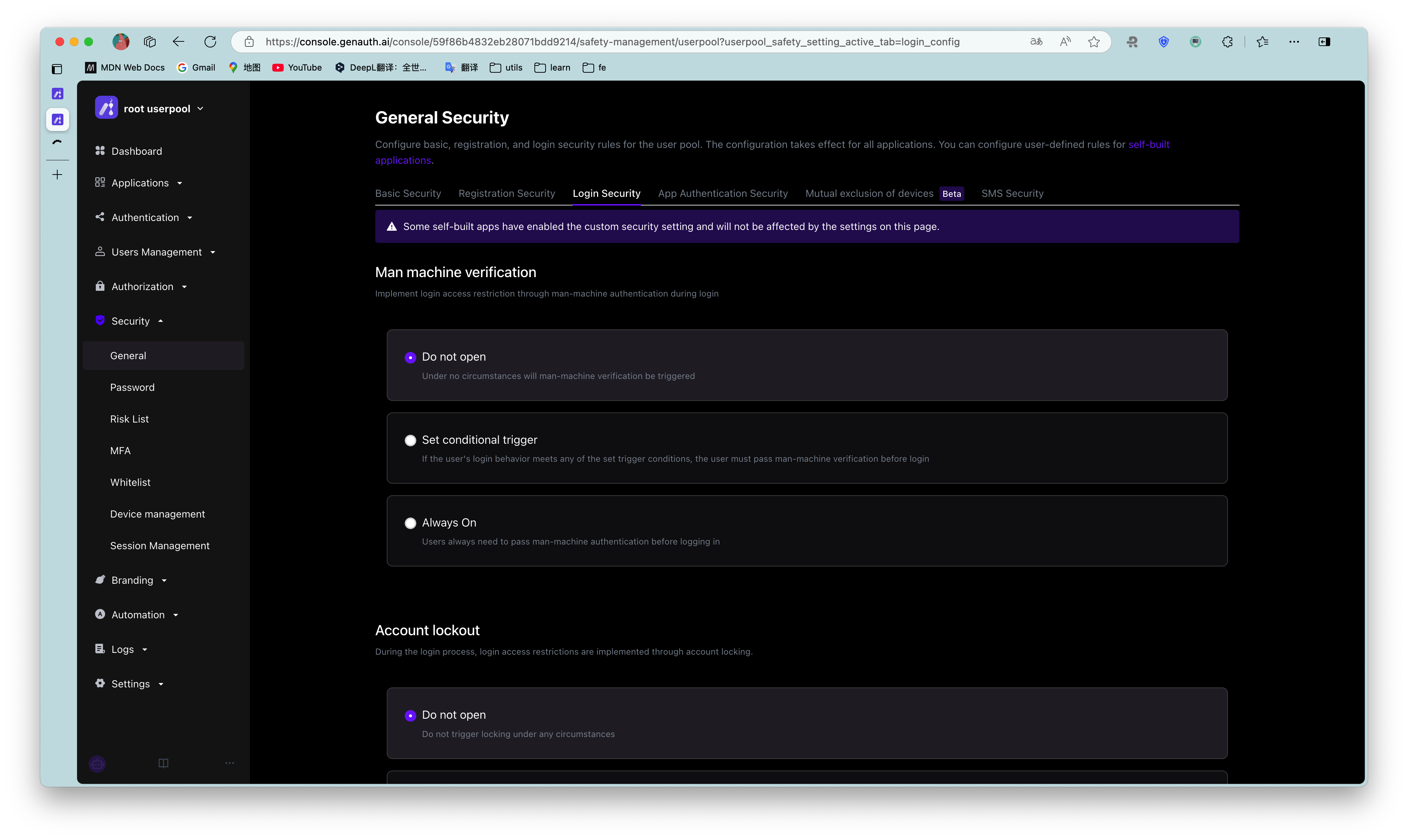
You can turn on the Login Failure Limit switch in the console to limit the number of failed logins for the same account within a certain number of seconds:
If the number of failed logins exceeds the specified time, the user needs to enter a graphic verification code to log in again: