
¶ Administrators
Path: Settings->Administrators
¶ Administrator sources
There are two sources of administrators: external administrators (including the owner of the user pool and its collaborative administrators) and internal administrators.
All external administrators are concentrated in the GenAuth official user pool as the owners of their respective user pools. An external administrator A can authorize the user pool resources he is responsible for to B, the owner of another user pool in the GenAuth official user pool, to assist A in managing his user pool. The authorized owner B will see the user pool that A is responsible for in the user pool list of the GenAuth official user pool.
External administrator A can also designate a user in his user pool as an internal administrator and assign permissions to him.
¶ Administrator level
According to the permission level, administrators can be divided into user pool-level administrators and application-level administrators. All internal and external administrators can be either user pool-level administrators or application-level administrators.
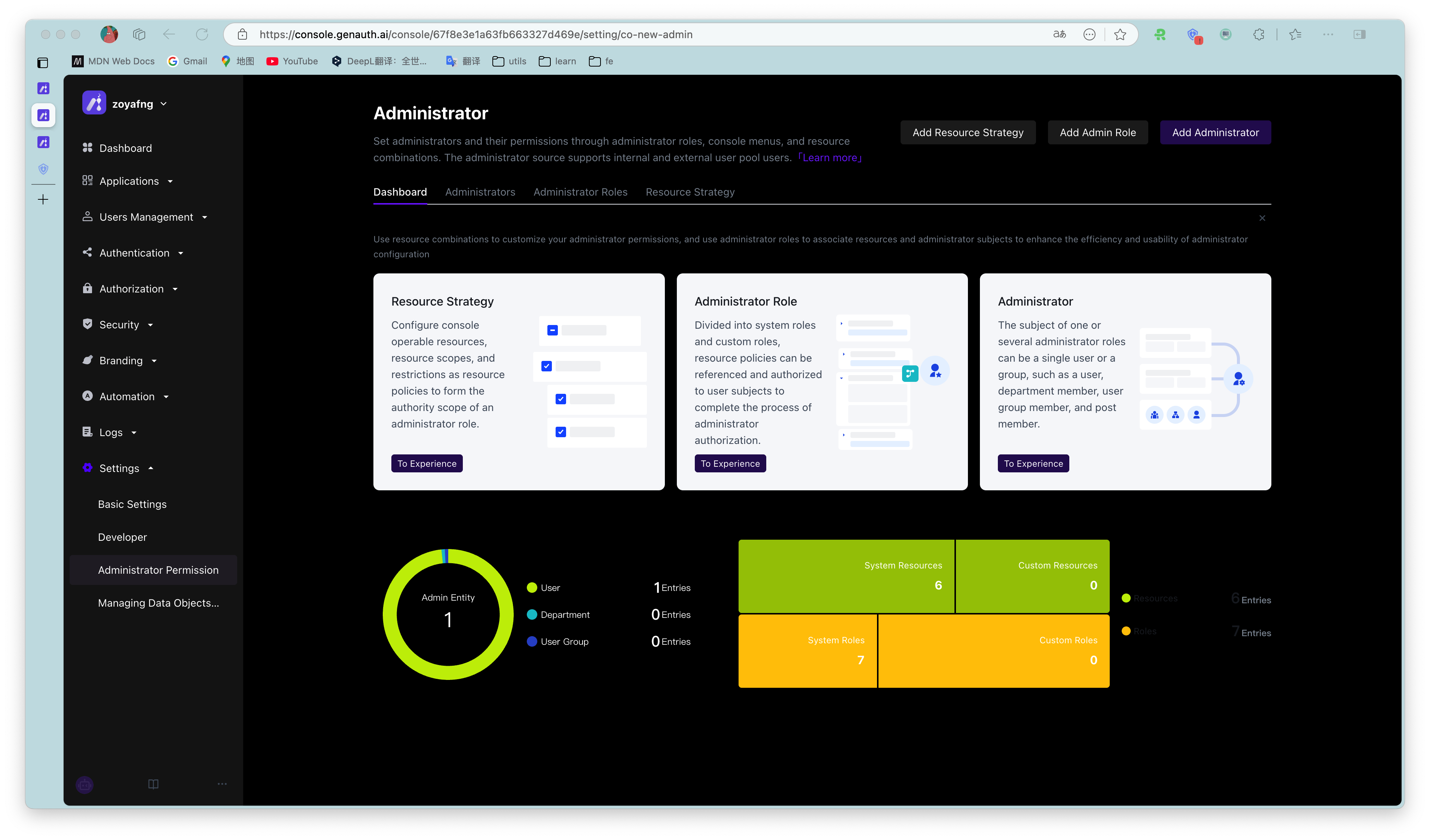
Administrator list
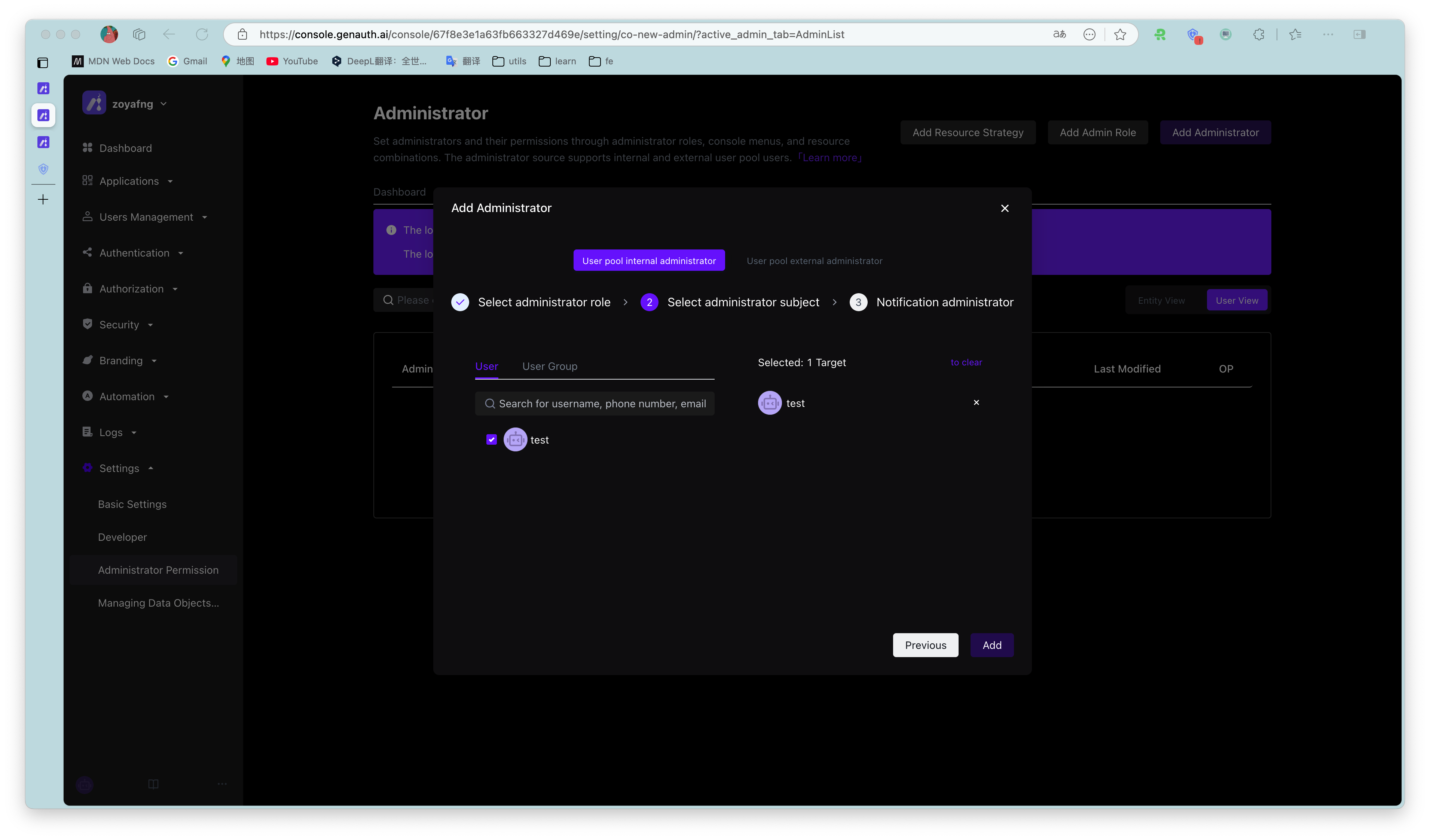
Add internal administrator
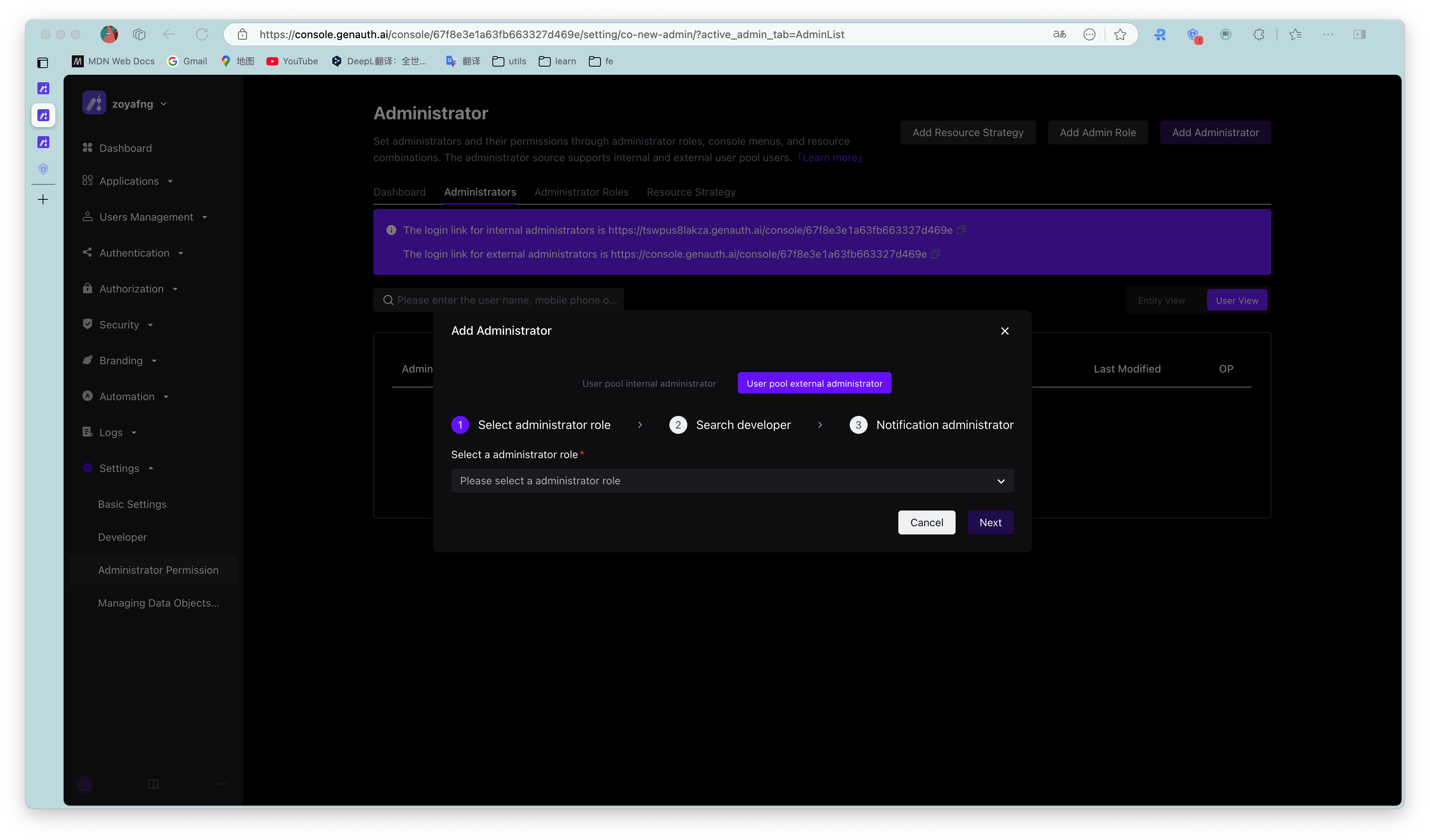
Invite external administrator