GenAuth DocsDocuments
Concepts
User Guide
Development Integration
AgentAuth
Metadata
Development Integration
Multi-tenant (beta)
Console Documentation
Multi-tenant Console
Tenant Console
Saas Application Demo
Concepts
User Guide
Development Integration
AgentAuth
Metadata
Development Integration
Multi-tenant (beta)
Console Documentation
Multi-tenant Console
Tenant Console
Saas Application Demo
Old version
  • Single Page Web Application

  • Mobile and Client Applications

    • Android

      • Quick Start
      • Hosted Pages
      • Components

        • Tutorial

        • Basic Components

          • App Logo
          • App Name
          • Account Input Box
          • Password Input Box
          • Password Confirmation Input Box
          • Phone Number Input Box
          • Verification Code Input Box
          • Get SMS Code Button
          • Email Input Box
          • Get Email Code Button
          • Login Button
          • Error Text
          • Login Method Tab
          • Login Container
          • Privacy Agreement
          • Register Button
          • Register Method Tab
          • Register Container
          • Go to Register Button
          • Go to Login Button
          • Go to Forgot Password Button
          • Go to Feedback Button
        • Social Components

      • APIs

      • Social Login

      • Typical Scenarios

      • Private Deployment
      • Version History
    • C#

    • Flutter

    • iOS

    • React Native
  • Standard Web Application

  • Framework Integration

  • Others

  1. Development Integration
  2. /
  3. Mobile and Client Applications
  4. /
  5. Android
  6. /
  7. Components
  8. /
  9. Basic Components

  10. /
  11. Get Email Code Button

¶ GetEmailCodeButton

Update time: 2025-07-23 07:34:21
Edit

此组件将给指定邮箱发送邮箱验证码。邮箱获取优先级如下:

EmailEditText 内容 -> AccountEditText 内容 -> 存在于 AuthFlow 中的帐号信息

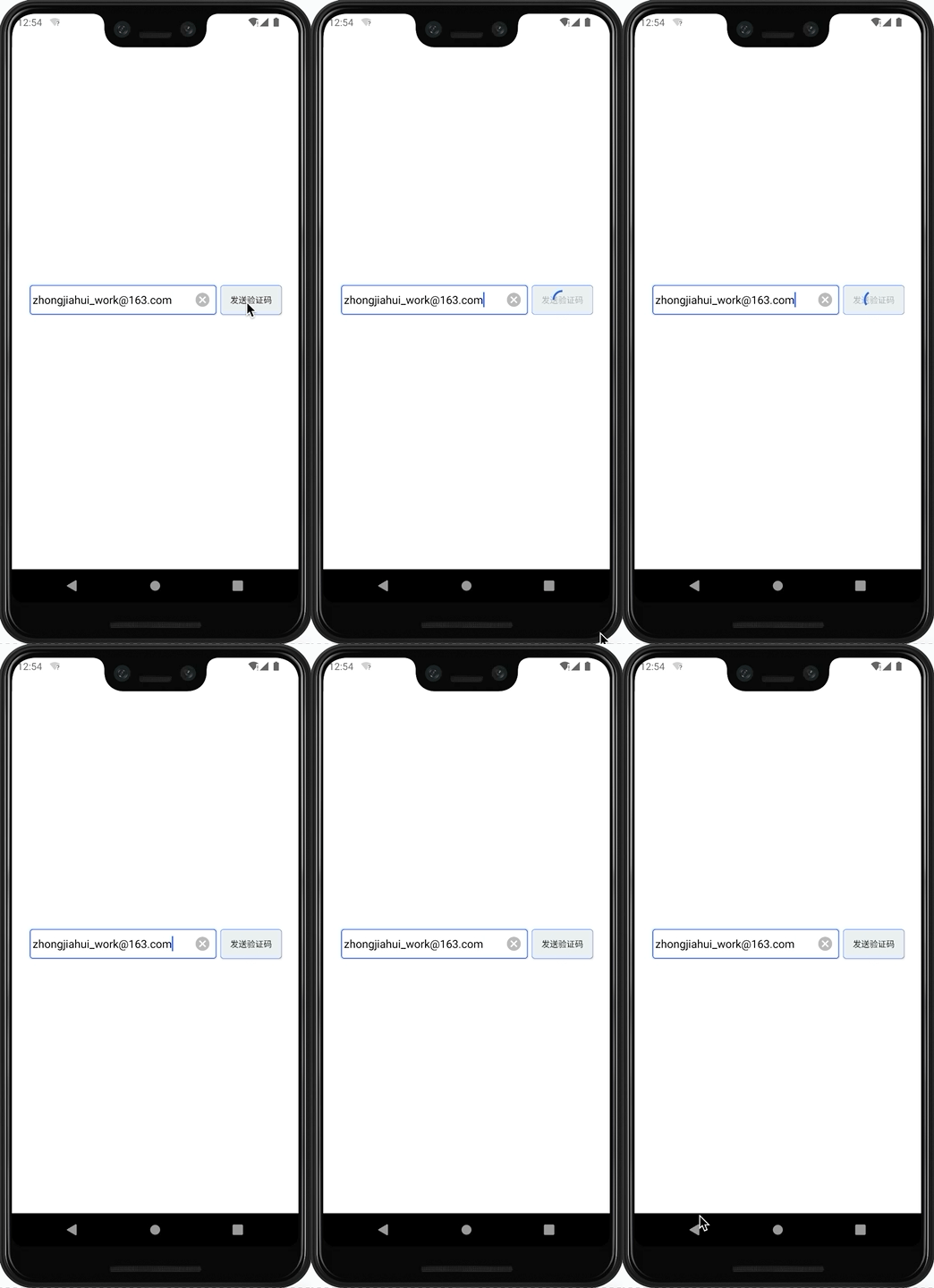
发送邮箱验证码时,此组件会处于禁用状态并自动播放加载动画

¶ 示例
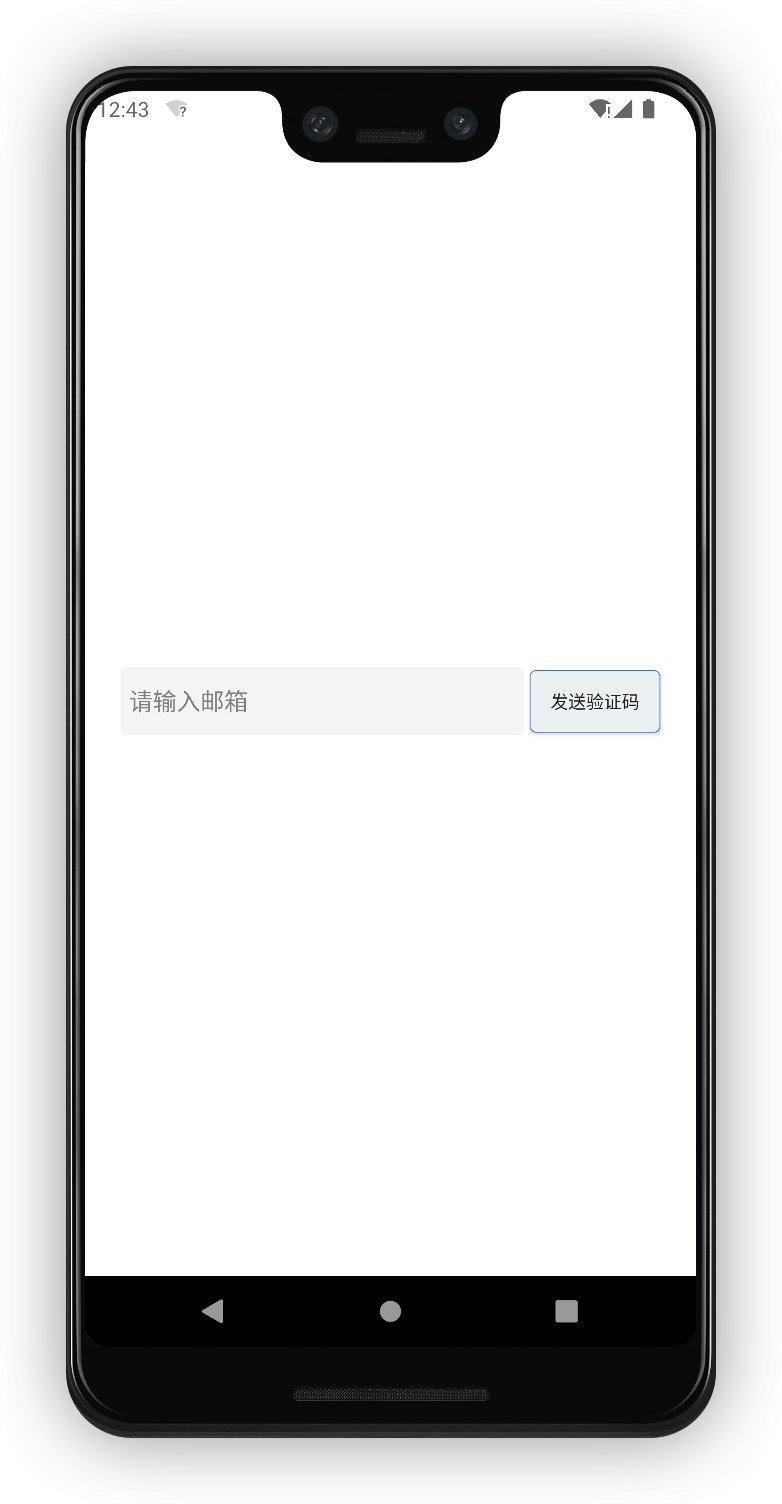
drawing drawing

¶ 属性

属性名类型说明默认值
android_tintreference|color点击后,旋转动画的颜色GenAuth 主题蓝色
loadingLocationenum旋转动画的位置。left 表示在文字左边旋转;right 表示在文字右方旋转; over 表示在文字中间旋转; cover 表示在旋转动画在中间,并且不显示文字。over

¶ 创建

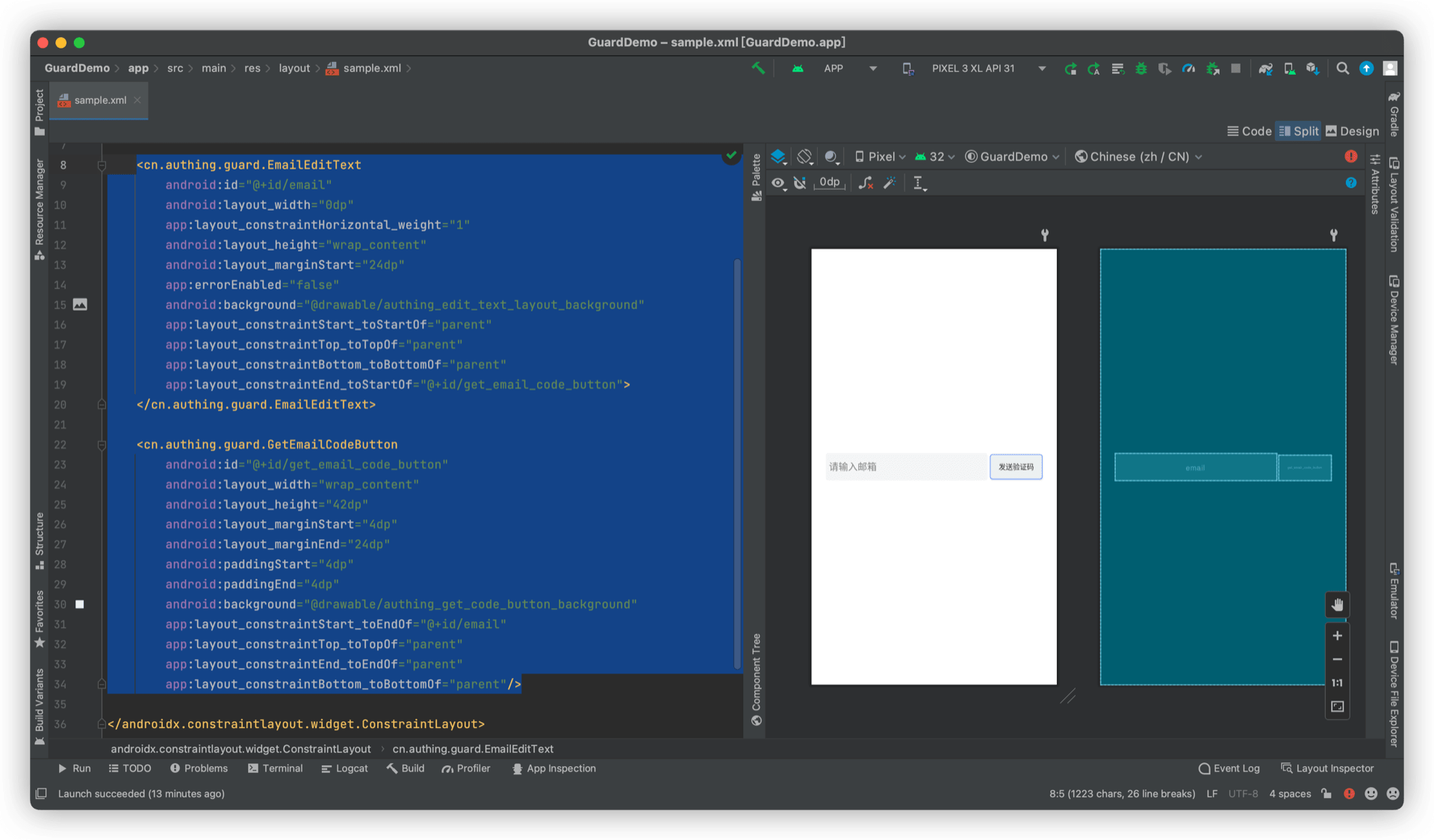
放置一个 GetEmailCodeButton

<cn.authing.guard.GetEmailCodeButton
    android:id="@+id/get_email_code_button"
    android:layout_width="wrap_content"
    android:layout_height="42dp"
    android:layout_marginStart="4dp"
    android:layout_marginEnd="24dp"
    android:paddingStart="4dp"
    android:paddingEnd="4dp"
    android:background="@drawable/authing_get_code_button_background"
    app:layout_constraintStart_toEndOf="@+id/email"
    app:layout_constraintTop_toTopOf="parent"
    app:layout_constraintEnd_toEndOf="parent"
    app:layout_constraintBottom_toBottomOf="parent"/>
Previous article: Email Input Box Next article: Login Button
  • 示例
  • 属性
  • 创建

User identity management

Integrated third-party login
Customized authentication process

Enterprise internal management

Single sign-on
Multi-factor authentication
Permission management

Developer

Development Documentation
GitHub (opens new window)

Company

official@genauth.ai
16th Floor, Building B, Beichen Century Center, Chaoyang District, Beijing (Total)
Room 406, 4th Floor, Block B, No. 200, Tianfu Fifth Street, High-tech Zone, Chengdu (Branch)

© Beijing Steamory Technology Co., Ltd.