¶ Role Management
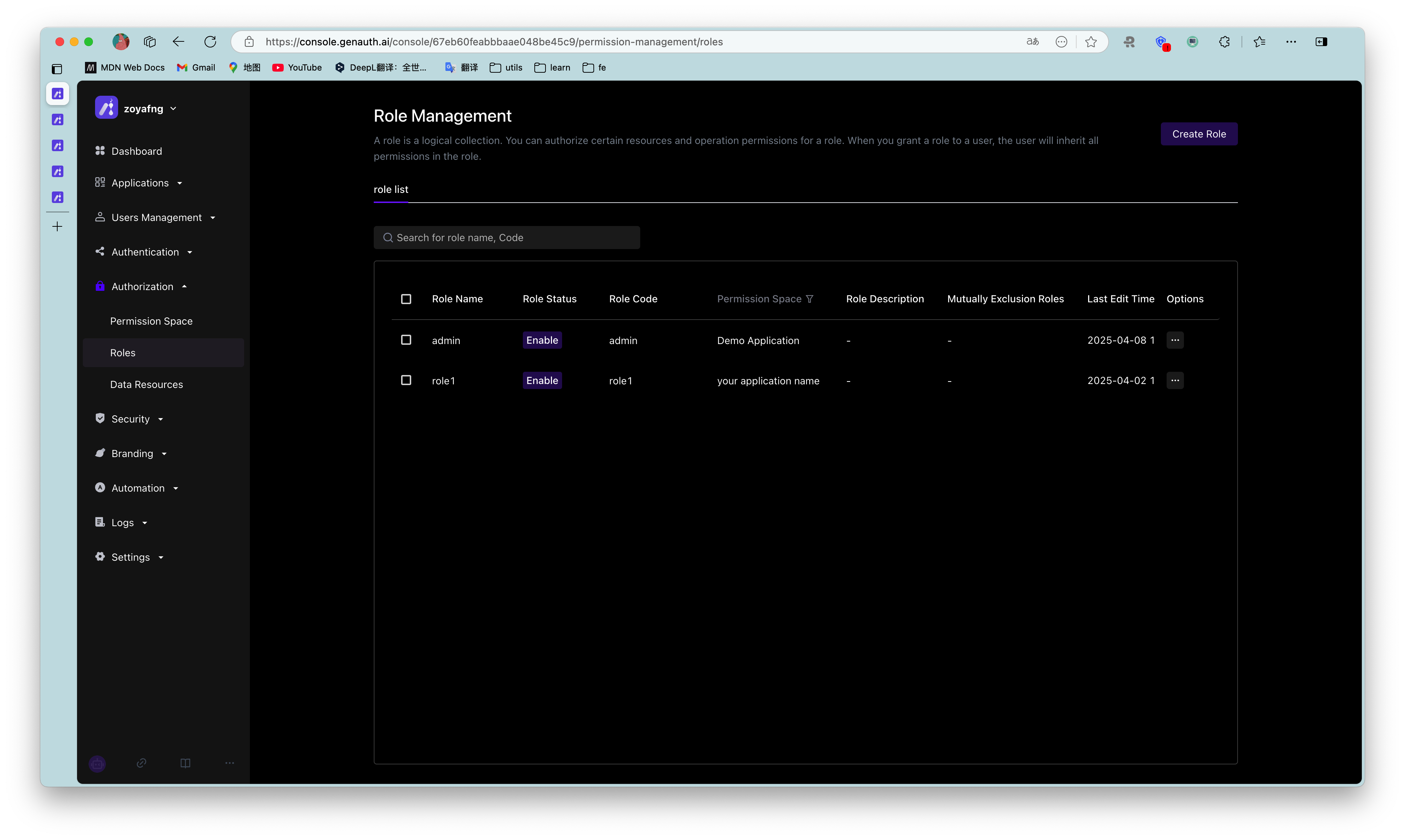
A role is a logical collection. You can define roles in each permission space and grant a role certain resource and operation permissions. When you grant a role to a user, the user will inherit all permissions in the role.
The role management module is mainly used to centrally manage roles in all permission spaces in the user pool.
¶ Create a role
You can click Create Permission Space on the list page to enter the creation page
| Field Name | Description |
|---|---|
| Role Name | Name the role according to the permission scenario to be granted to the role, such as "Administrator" or "Auditor" |
| Role Code | The unique identifier of the role. It is recommended to use a semantic description, such as "admin" |
| Permission Space | The permission space to which the role belongs |
| Role Description | Optional |
| Role Auto-disable Time | You can set an auto-disable time for temporary roles. After disabling, the permissions associated with the role will be revoked. You can restore the permissions by enabling the role |

¶ Basic Role Information
On the basic information page of the role details, you can mainly
- Manage role subjects
- Add role subjects
- Add specified users as role subjects
- Add specified organizations as role subjects
- When adding a subject, you can set the automatic removal time of the subject.
- View the role subject
- Remove the role subject
- Add role subjects
- Manage the basic information of the role
- View the basic information of the role
- Role name
- Role Code
- Role ID
- Role ARN
- Role permission space
- Role description
- Modify the role name and role description
- View the basic information of the role

¶ Role permission management
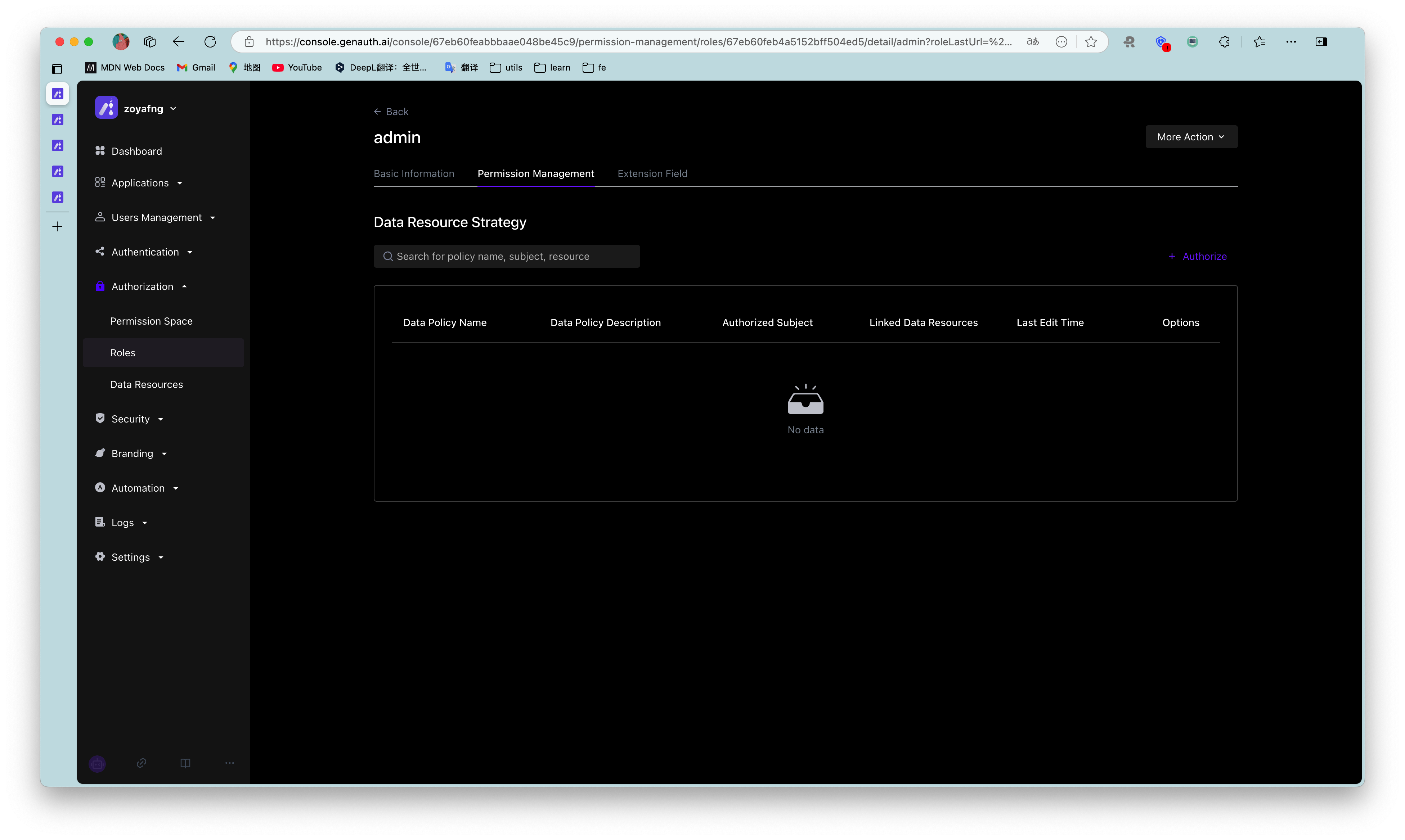
On the permission management page of the role details, you can mainly
- Manage the general resource authorization associated with the role
- Authorize general resources to the current role
- View and modify the general resource authorization associated with the current role
- Remove the general resource authorization associated with the current role
- Manage the data resource authorization associated with the role
- Authorize the data policy to the current role
- View the data policy and details authorized to the current role
- Remove the data policy authorized to the current role